
Update the mobile app
Keeping the Webex app up to date ensures you have access to the latest features and improvements. You can check for and install updates directly from the App Store on your iPhone.
To update the Webex app, follow these steps:
- Open the App Store on your iPhone.
- Tap your profile icon in the upper-right corner.
- Scroll down to the Available Updates section.
- Locate Webex in the list and tap Update.
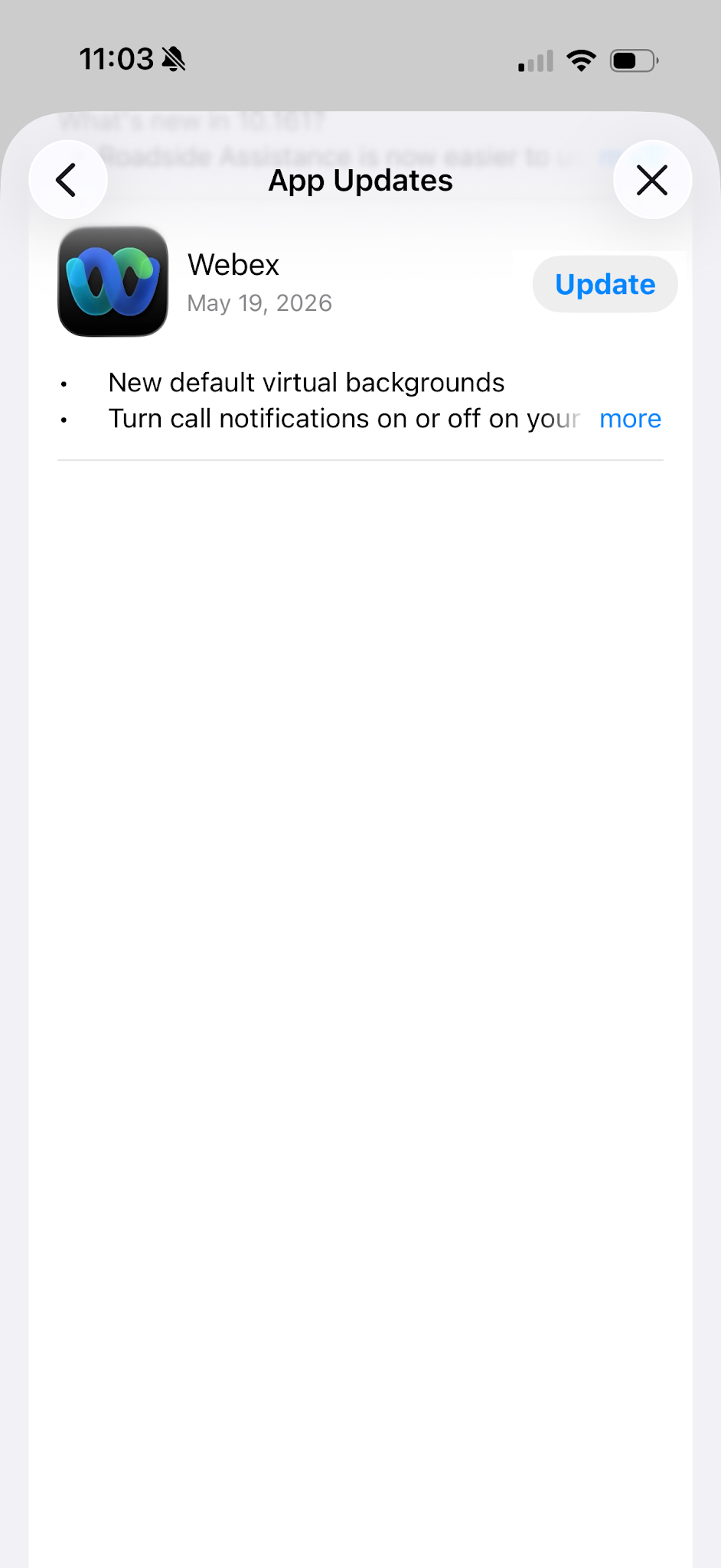
The update downloads and installs automatically. Once complete, tap Open to launch the updated app.
If you do not see Webex in the Available Updates section, your app is already running the latest version.

