
Generate a space summary
AI Assistant helps you stay informed by generating quick summaries of unread messages in your spaces, so you can catch up without reading through every message.
To summarize unread messages, follow these steps:
- Tap Messaging.
- Select a space from your list.
- Tap the AI Assistant icon in the app header.
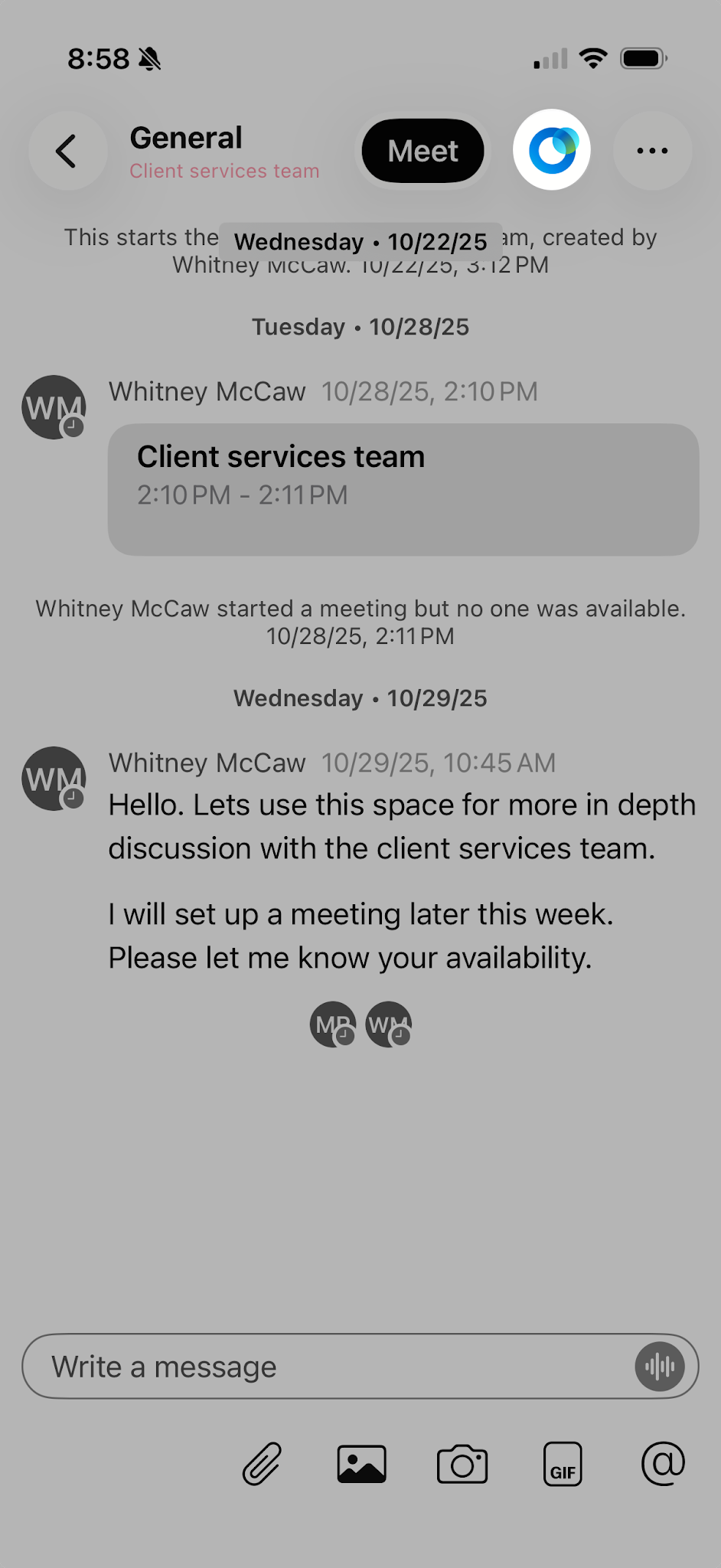
- Tap Summarize Unread.

To stop a summary in progress, tap Stop Generating.
AI Assistant availability may vary based on your organization's settings. Contact your administrator if the feature is not visible.

