Place a voice or video call
You can place voice or video calls to both internal and external contacts.
Use the dial pad
To place a call using the dial pad, follow these steps:
- Tap Calling.
- Tap the dial pad icon.
- Enter the phone number.
- Tap Audio or Video to place the call.

Use Recents
To place a call from your recent call history, follow these steps:
- Tap Calling.
- Tap Recents.
- Locate the contact you want to call and tap the phone icon.

Use Contacts
To place a call from your contact list, follow these steps:
- Tap Calling.
- Tap Contacts.
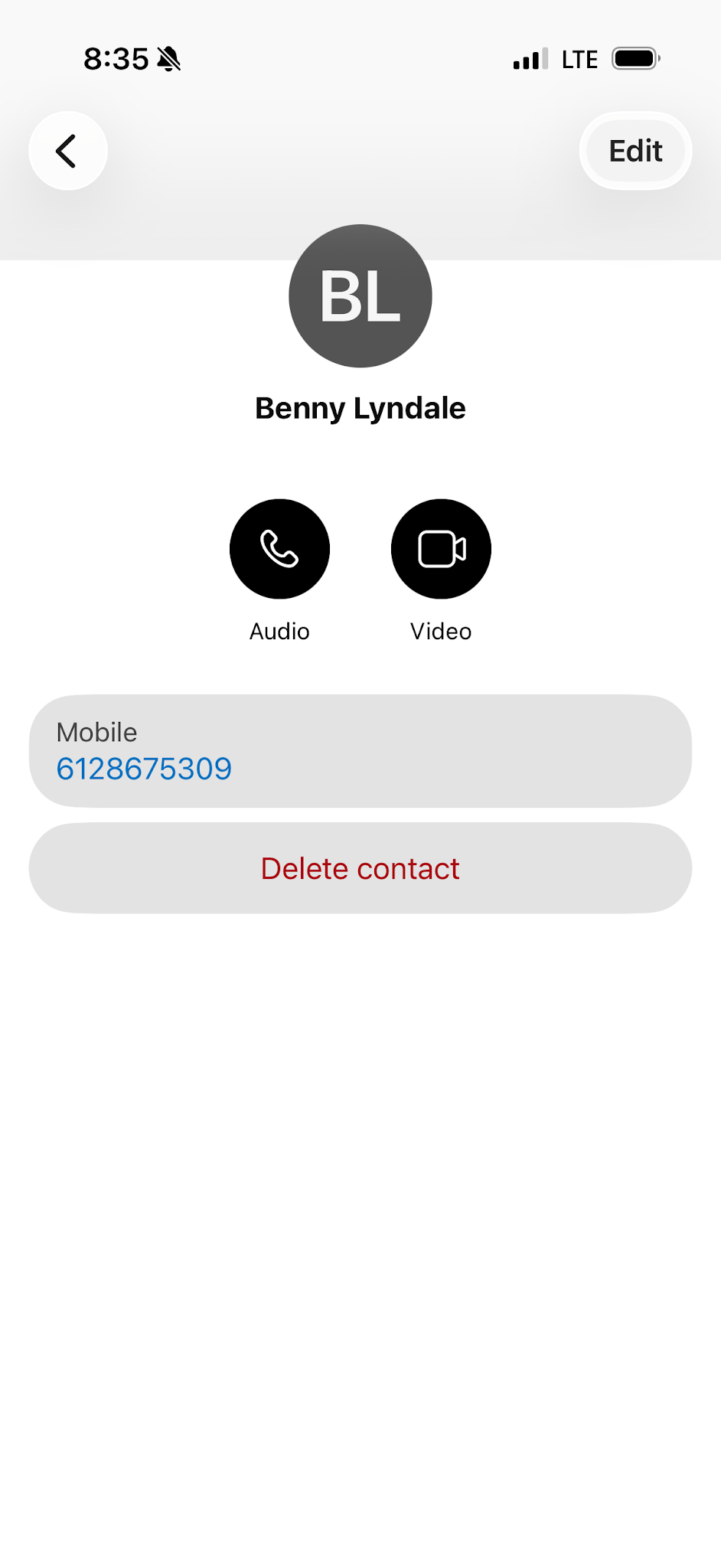
- Find and tap the person you want to call.
- Choose either Audio or Video to place the call.
Call from Voicemail
To return a call directly from a voicemail, follow these steps:
- Tap Calling.
- Tap Voicemail.
- Tap the desired voicemail.
- Choose either Audio or Video to place the call.

Call from a message space
To place a call from within a conversation, follow these steps:
- Tap Messaging.
- Tap the person you want to call.
- Choose either Audio or Video in the upper-right corner of the space.