
Create a team
Creating a team in Webex can help you collaborate and stay organized. Teams are especially helpful when you’re working on a large project with team members across multiple departments.
To create a team:
- Tap the Messaging tab.
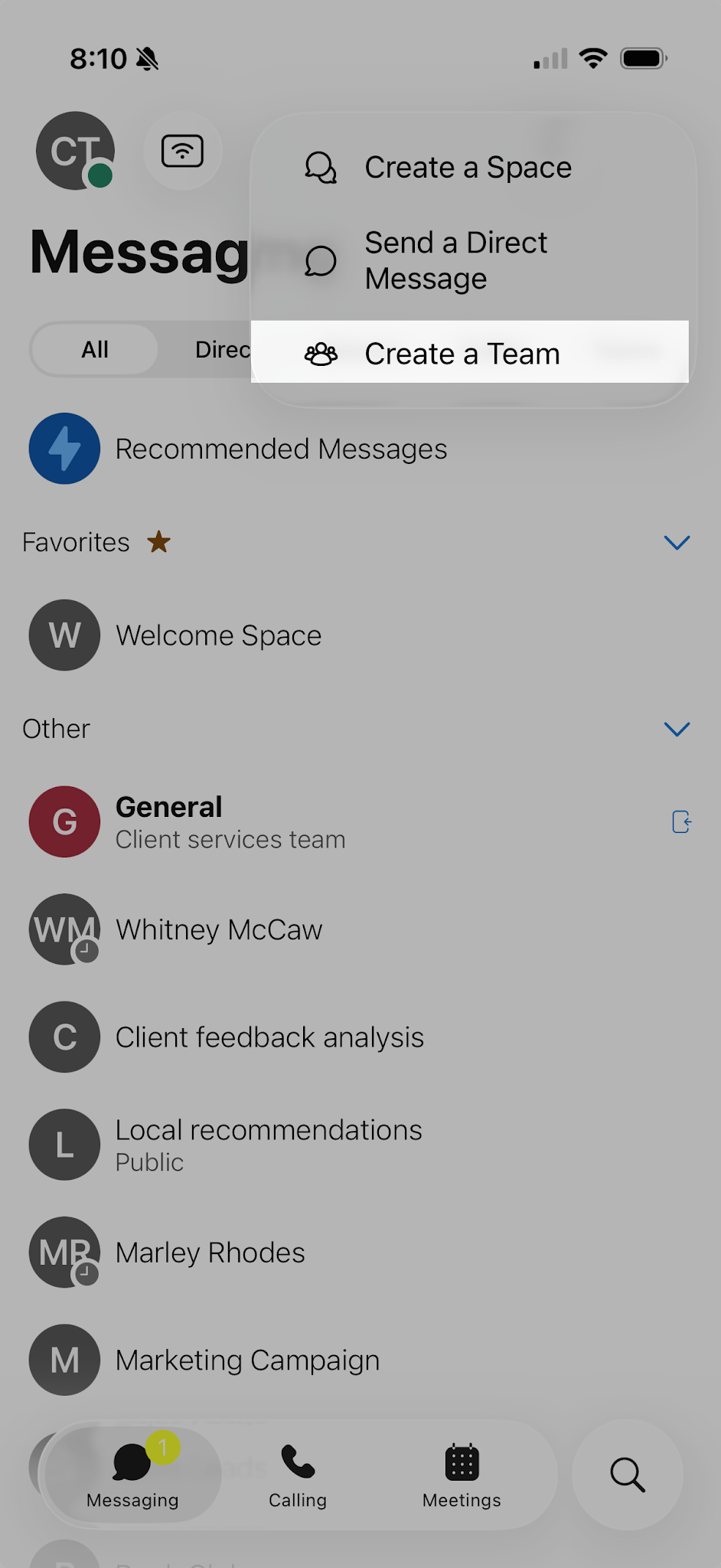
- Select the Plus icon to create a team.
- Select Create a team.
- Enter the Name of your team. If you’d like, you can also enter a description.
- Add people to the team by entering their name or email address and then selecting them from the drop-down list.
- Tap Create.
- Once you have created a team, you can add smaller spaces within it. To create spaces within a team, tap Create a space.

Every team has at least one team space, General. People added to the team are automatically added to the General space.

