Skip to content
Virtual Communications Express Flex

Webex Calling

[wd_asp id=1]
[wd_asp id=2]

Receptionist Client – Self Help Video Library


[wpseo_breadcrumb]

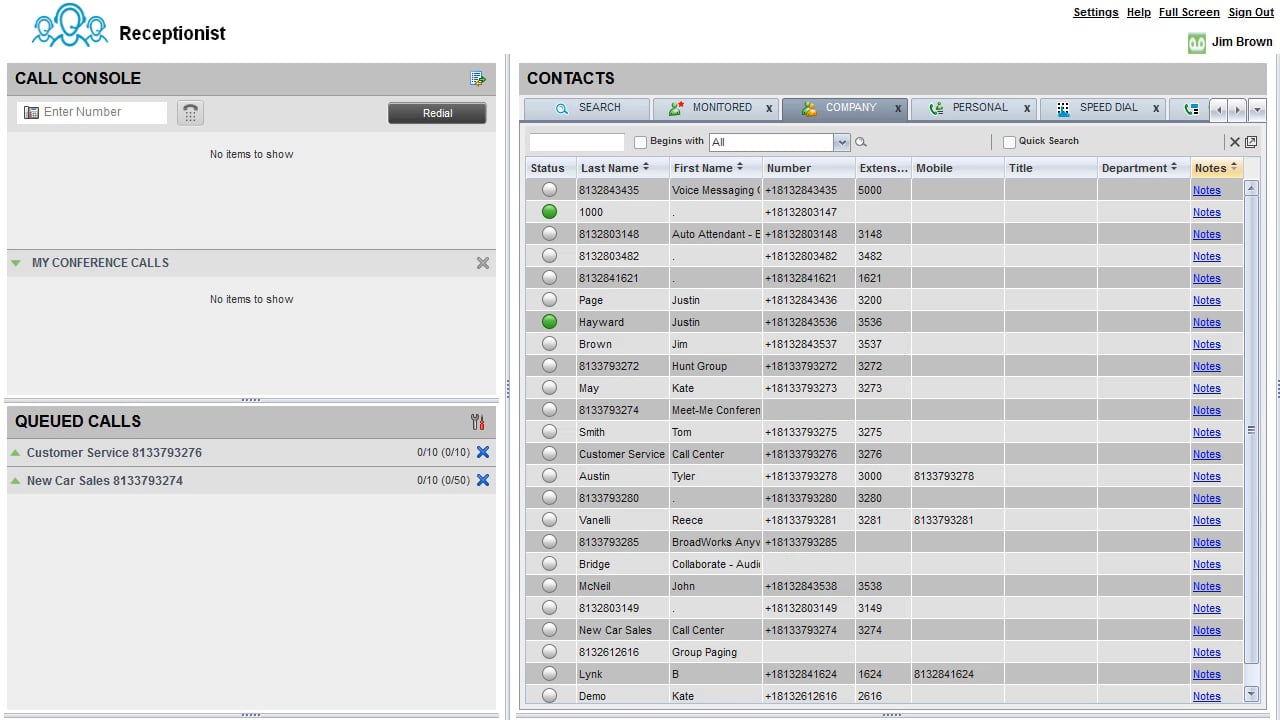
Overview and Tour


Display Pane


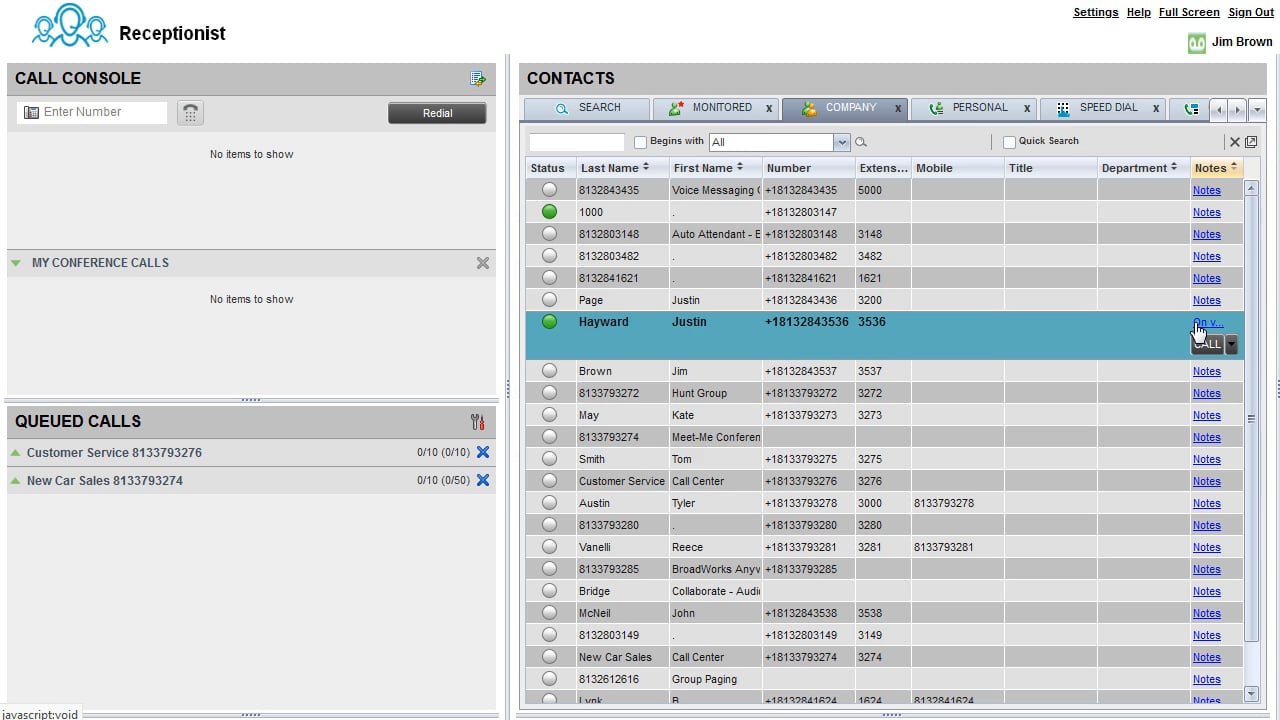
Contacts Pane


Call Console


Understanding Queued Calls


Placing Calls


Blind Transfer


Consulted Transfer


Conference Call


Static Monitoring


Dynamic Monitoring


Adding Notes


  • Home
  • Control Hub
  • Webex Contact Center
  • Webex User Settings
  • Webex App & Webex Meetings
  • Desk Phones
  • Receptionist Client
  • Video Library
  • Free Webinars
  • Contact Us
  • Home
  • Control Hub
  • Webex Contact Center
  • Webex User Settings
  • Webex App & Webex Meetings
  • Desk Phones
  • Receptionist Client
  • Video Library
  • Free Webinars
  • Contact Us
Image
  • Verizon.com
    (opens in a new tab)
  • ©2019 Verizon
    (opens in a new tab)
  • Verizon.com
    (opens in a new tab)
  • ©2019 Verizon
    (opens in a new tab)

Powered by Smart Lynk.

Privacy Policy
California Privacy Notice
Your Privacy Choices Your Privacy Choices Icon